Writing tools, distraction-free
Count words. Learn to type. Write with clarity.
A fast, private, fully modular suite for students, writers, developers, and anyone who lives in a text box.
- Free
- No account
- Works offline once loaded
- Nothing uploaded
Tools
Word Counter
Live word, character, letter, and sentence counts — with readability stats, keyword density, content detection, and text-to-speech built in.
- Live counts
- Reading & speaking time
- Readability & writing analysis
- Keyword density
Typing Test
Live speed and accuracy, finger training, and touch typing practice in one place.
- Live WPM and accuracy
- Timed or untimed runs
- Difficulty levels and categories
- Interactive virtual keyboard
Speaking Challenge
Read aloud. Speak clearly. Improve your English.
- Live word matching
- Teleprompter with real controls
- Hover-to-pause dictionary
- Honest scoring
Built to get out of your way
Your text never leaves the page
Every count, conversion and export runs in your browser. Nothing is uploaded, so a confidential draft stays confidential.
No account, no sign-up
Open a tool and start typing. There is nothing to register for and nothing to dismiss before you can work.
Answers as you type
Counts, readability and typing speed update on every keystroke instead of waiting for a button.
What is inside
- typing passages
- 278typing passages
- practice categories
- 9practice categories
- export formats
- 7export formats
- in-depth guides
- 46in-depth guides
Everything included, nothing locked
There is no paid tier holding features back. What you can see, you can use.
- Words, characters, sentences, paragraphs
- Reading, speaking and writing time
- Keyword density and readability
- Export to TXT, MD, HTML, CSV, DOC, DOCX, PDF
- Read aloud, and save as MP3 or WAV
- Case conversion and whitespace clean-up
Guides worth reading
All guides →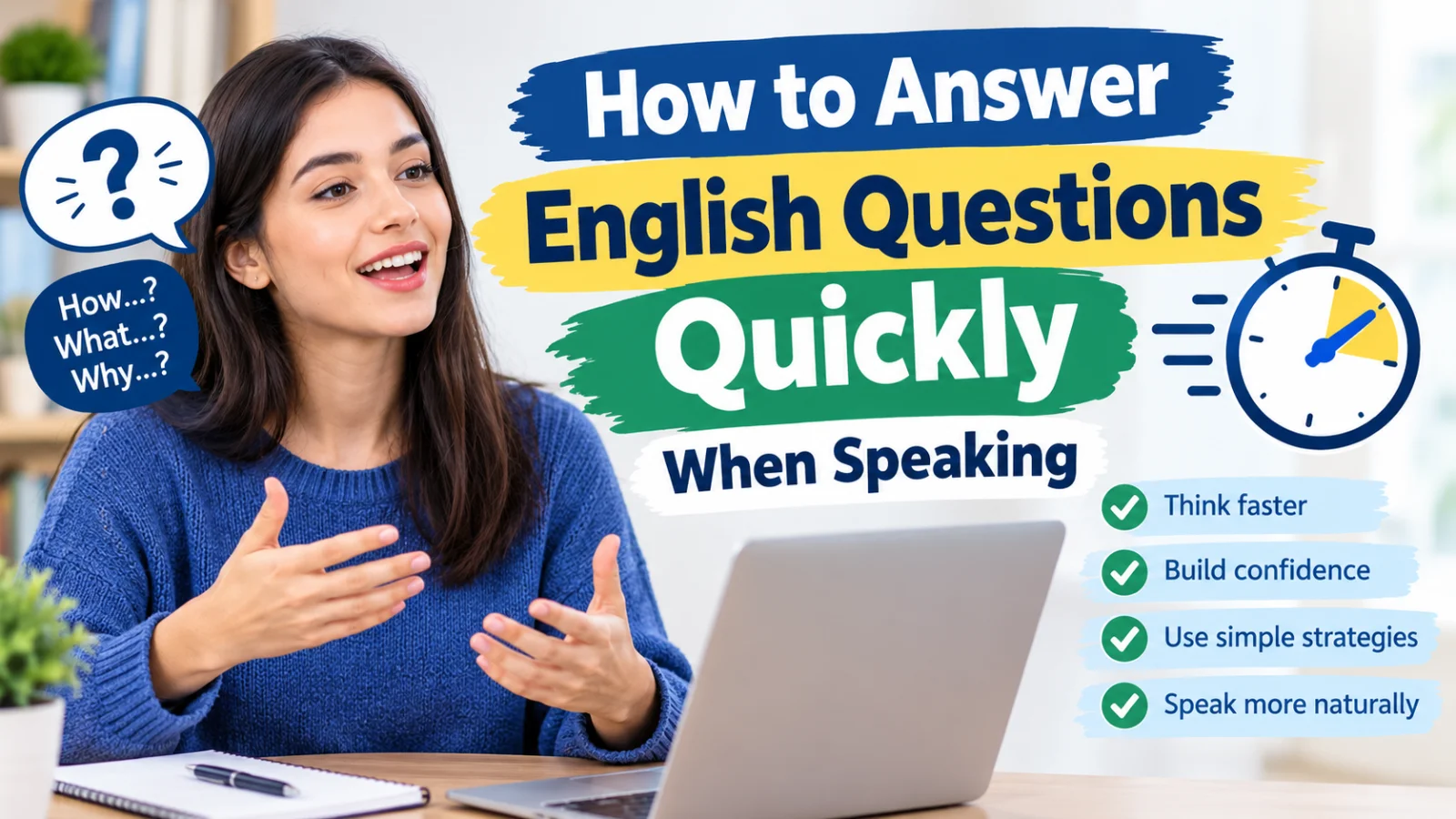
How to Answer English Questions Quickly When Speaking?
Learn how to answer English questions more quickly without rushing, including response frameworks, retrieval drills, follow-up practice, and a short routine for building faster spoken responses.
9 October 2026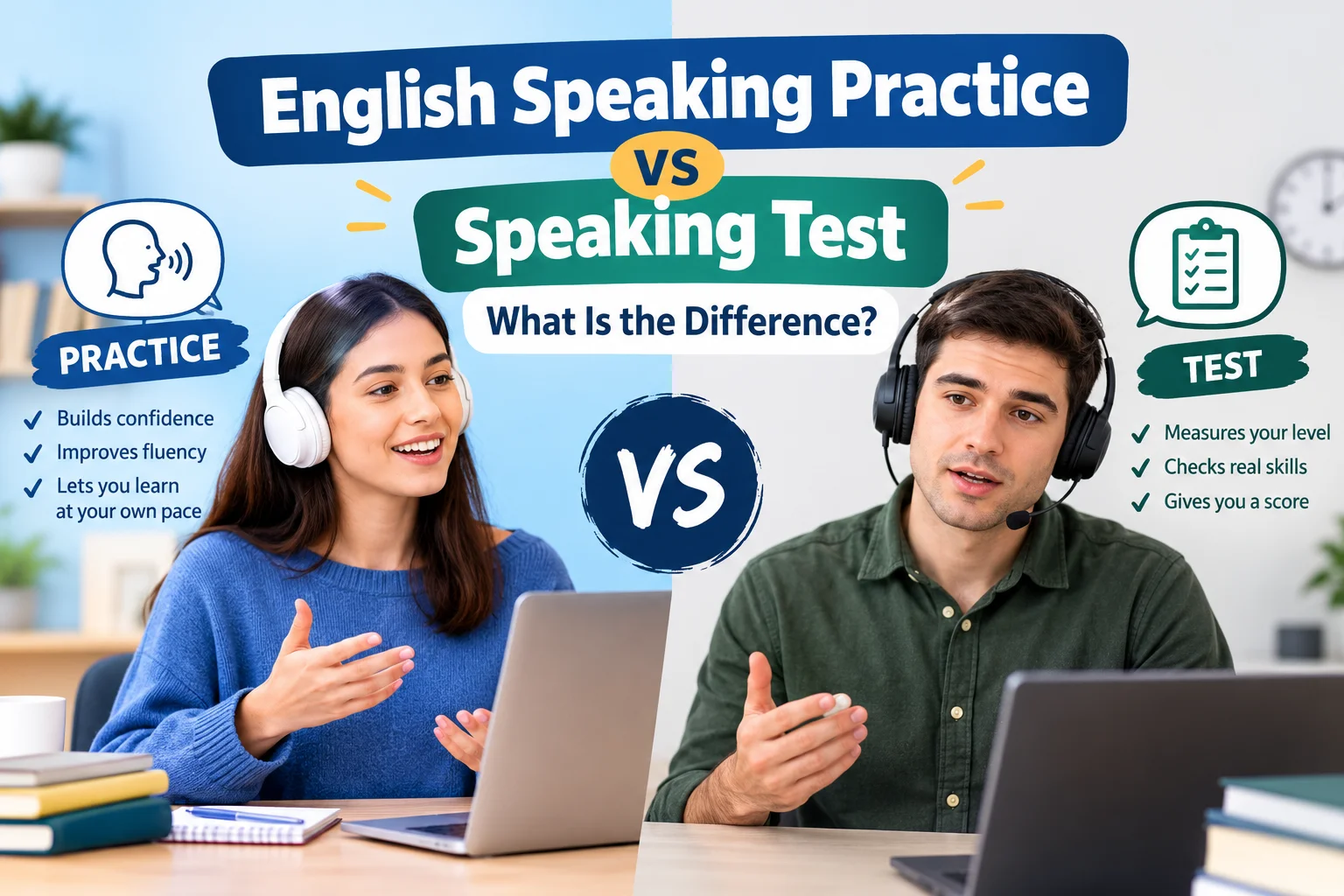
English Speaking Practice vs Speaking Test: What Is the Difference?
Understand the difference between English speaking practice and a speaking test, when to use each, what scores can and cannot tell you, and how to build a useful practice-to-test routine.
9 October 2026
English Speaking Exercises You Can Do by Yourself
Try practical English speaking exercises you can do by yourself, including descriptions, retelling, role-plays, Q&A, storytelling, pronunciation and vocabulary drills.
4 October 2026Frequently asked questions
Is WordCounter4U free to use?
Yes — all tools run in your browser with no account required.
Do I need to create an account?
No. Nothing is stored on a server and there is no sign-up: your text is analysed on your own device and stays there.
Can I use this on mobile?
Yes — the entire platform is mobile-first and fully responsive.
Start with a blank page
Paste a draft to see where it stands, or run a one-minute typing test. Neither needs an account, and neither sends your text anywhere.